A scanned PDF cannot go into a CAT tool. Before translation starts, someone has to convert it into an editable file, and the quality of that conversion decides whether the translation memory stays clean or gets contaminated from the first segment. Foliage Solutions builds OCR into the same DTP workflow that handles the rest of the file, so the output is translation-ready, not just readable. This matters because a consumer OCR tool optimized for readability breaks the segmentation a CAT tool depends on, pushing formatting problems downstream into the translation itself.
Most guidance on OCR treats it as a generic office task: scan a document, run it through software, get text back. That framing misses the part that actually matters to an LSP. The output of an OCR pass has to survive everything that happens after it: import into a CAT tool, translation memory matching, DTP reassembly, and final delivery in every target language. Get the OCR step wrong, and every stage after it inherits the problem.
Why generic OCR tools create translation problems
Consumer and mid-market OCR tools are built to answer one question: can a human read this text now. They are not built to answer the question that matters for translation: will this text segment correctly in a CAT tool.
Those are different problems. A consumer tool might reconstruct a scanned page as one long paragraph, merging what were originally separate captions, footnotes, and body text into a single text block. It might misread a table as a run of disconnected numbers with no column structure. It might preserve visual formatting like bold and italics inconsistently, or lose it entirely.
None of that stops the file from looking finished. It stops the file from translating cleanly. A CAT tool segments text based on structure: paragraph breaks, sentence boundaries, table cells. If the OCR pass merged what should have been separate segments, the translator inherits a document that reads correctly but segments incorrectly, and every downstream match against the translation memory degrades because of a decision made before translation ever started.
Consider a technical manual scanned from a printed source. The original had a clear structure: numbered procedure steps, a warnings table, and inline callout boxes. Run through a consumer OCR tool, the numbered steps often survive, but the warnings table collapses into a block of unstructured text, and the callout boxes merge into the surrounding paragraph with no visual or structural distinction left. A translator working from that file cannot tell where a warning starts and ends without opening the original scan side by side, which defeats the point of converting the file in the first place.
What translation-ready OCR output actually requires
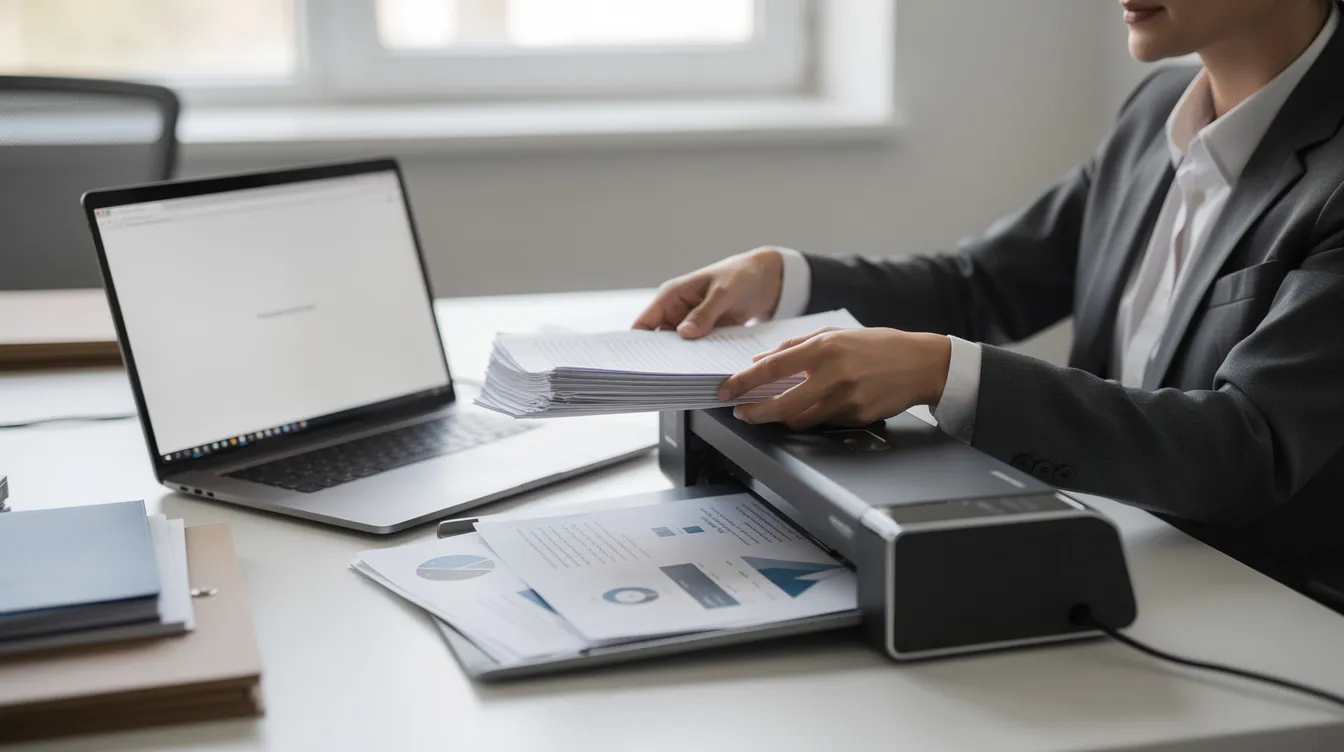
Four things separate translation-ready OCR from readable OCR.
Structural accuracy first. Paragraph breaks, headings, and list structures need to match the source document, not just approximate it. A heading that gets OCR’d as a regular paragraph loses its structural role, and that role usually needs to be rebuilt manually later if it is missed now.
Table integrity second. Scanned tables are the most common failure point. Translation-ready OCR preserves rows, columns, and cell boundaries as an actual table structure, not as text that merely looks tabular. A table OCR’d as plain text forces someone to manually rebuild the grid before translation, adding hours that never appear on the original quote.
Segmentation-safe formatting third. Bold, italics, and other inline formatting need to attach to the correct span of text, because CAT tools track formatting at the segment level. Formatting that drifts even slightly during OCR creates tag soup once the file reaches the CAT tool, the same underlying failure mode we cover in our multilingual DTP work generally.
Script and language accuracy fourth. A document with mixed scripts, Latin text alongside Cyrillic or Arabic for example, needs an OCR engine that handles each script correctly rather than defaulting to Latin-only recognition and silently dropping or garbling the rest.
These four checks are not exotic requirements. They are the baseline a CAT tool needs to treat the file the way it would treat a document that was born digital. Skipping any one of them does not stop the project. It just moves the cost downstream, usually into unbilled hours someone on the translation or DTP side spends reconstructing structure that should have survived the OCR pass.
Why this is still a real problem in 2026
Slator has covered this specifically: processing uneditable file formats remains a genuine operational headache for translation project managers, even as OCR tooling generally improves. The gap is not that OCR technology is bad. It is that generic OCR tooling is not built for the specific downstream requirement translation work has, and most teams do not discover the mismatch until the file is already in the CAT tool and match rates look wrong.
That is the pattern we see most often: a PM assumes OCR output is OCR output, runs the file through whatever tool is on hand, and only catches the segmentation problem once fuzzy matches come back lower than expected on a project that should have reused significant translation memory.
How Foliage handles this as part of the DTP workflow
We do not treat OCR as a standalone task separate from the rest of file preparation. It is the entry point of the same workflow that handles CAT-tool-native file handling and multilingual DTP more broadly, which is why the output is built for what happens next, not just for how the page looks on screen.
Every OCR pass includes a structural QA check, table reconstruction, and a segmentation check on inline formatting, before the file is handed off. The goal is a file that behaves the same way in a CAT tool as a file that was born digital, not a scanned document that merely looks converted.
When this matters most
Not every scanned document needs this level of care. A short internal memo with no tables and no formatting complexity can often go through a straightforward OCR pass without much risk.
It matters most when the source document has tables, multi-column layouts, or mixed formatting, since those are exactly the structures generic OCR tools handle worst. It matters when the project will draw on an existing translation memory, since segmentation errors are what silently erode match rates. And it matters when the document needs to go through DTP and layout work after translation, since a poorly structured OCR pass creates rework at every stage downstream, not just at the translation step.
If a scanned file is simple and one-off, with no TM reuse and no complex layout to preserve, a lighter-touch OCR pass may be enough. When in doubt, the safer assumption is that structure matters, because the cost of finding out otherwise shows up later, in degraded matches and DTP rework nobody budgeted for.
A regulatory filing scanned from a government source, arriving as a 40-page PDF full of tables, cross-references, and numbered clauses, sits firmly on the high-care side of that line. A one-page cover letter scanned alongside it does not need the same treatment. Treating both the same way, either by over-engineering the cover letter or under-engineering the filing, wastes effort in one direction and creates rework in the other.
What to ask a vendor about their OCR step
Three questions surface whether a vendor actually treats OCR as translation-ready work or as a generic conversion step.
- Ask what happens to tables specifically. A vendor who cannot describe how they preserve table structure through OCR is likely producing plain-text output that needs manual rebuilding.
- Ask whether the OCR output is tested against a CAT tool before handoff, or only checked for human readability. Those are different quality bars, and only one of them predicts what happens to your translation memory.
- Ask who owns the OCR step if something goes wrong. If OCR is subcontracted separately from the rest of DTP and translation work, a segmentation problem can fall into a gap between vendors, with each assuming the other caught it.
The actual entry point of the workflow
OCR is not a side task attached to translation. It is the first structural decision in the entire multilingual production chain, and the quality of that first decision either protects or degrades everything that follows it, including translation memory value that compounds across every future project with the same client.
Foliage Solutions handles OCR as part of the same file preparation and DTP workflow covered in our broader work on multilingual DTP and CAT-tool compatibility, so the file that reaches your translation step is genuinely ready for it, not just readable.
The one-project test that applies to DTP vendor selection generally applies here too. Send a representative scanned file, one with at least one table and some inline formatting, and check what comes back before committing to a workflow. A vendor whose OCR output needs manual table reconstruction or loses formatting has shown you exactly what will happen at scale, before you have committed a full project to finding out.
Talk to Foliage Solutions about scanned files sitting in your production queue.